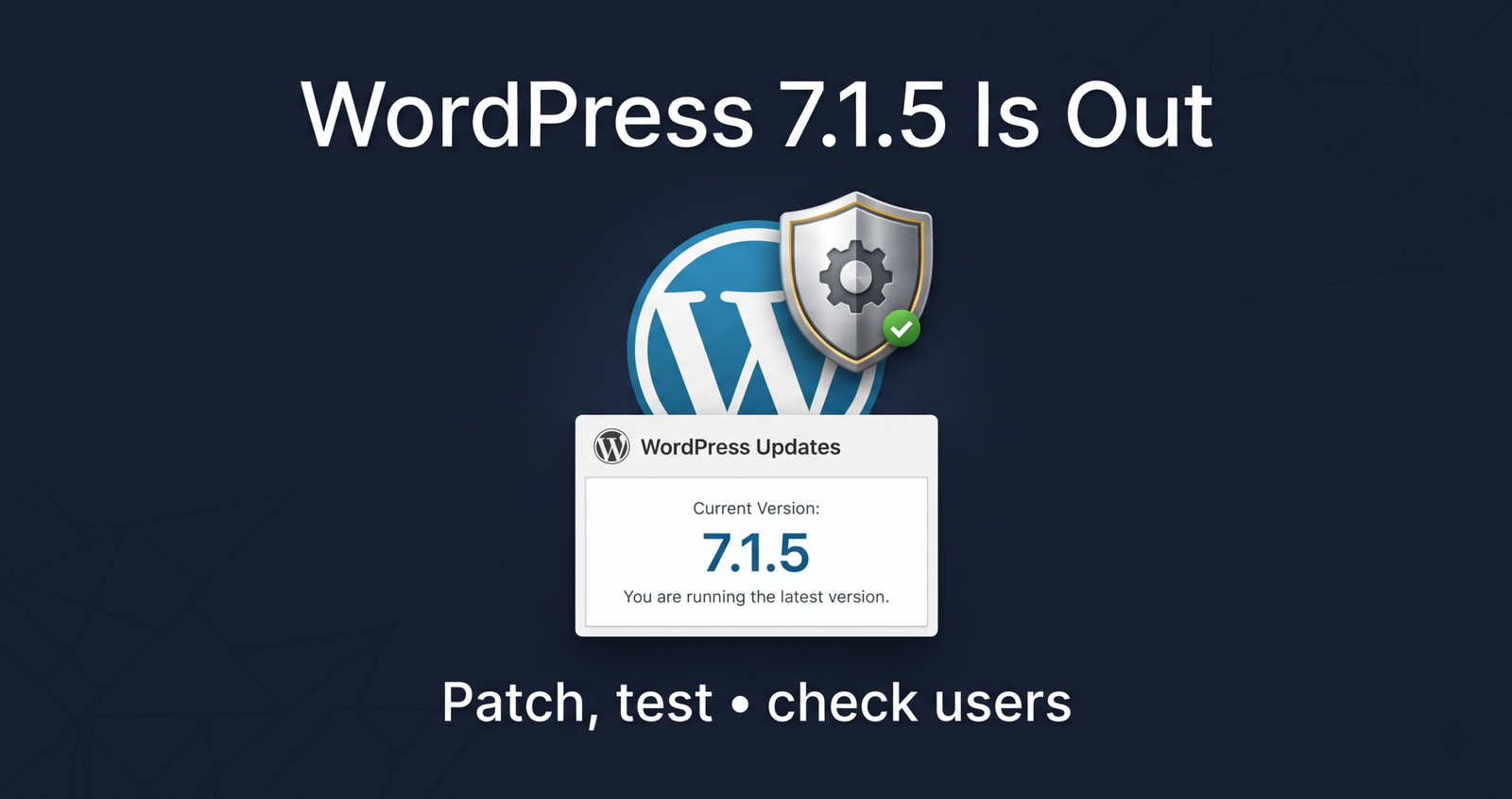
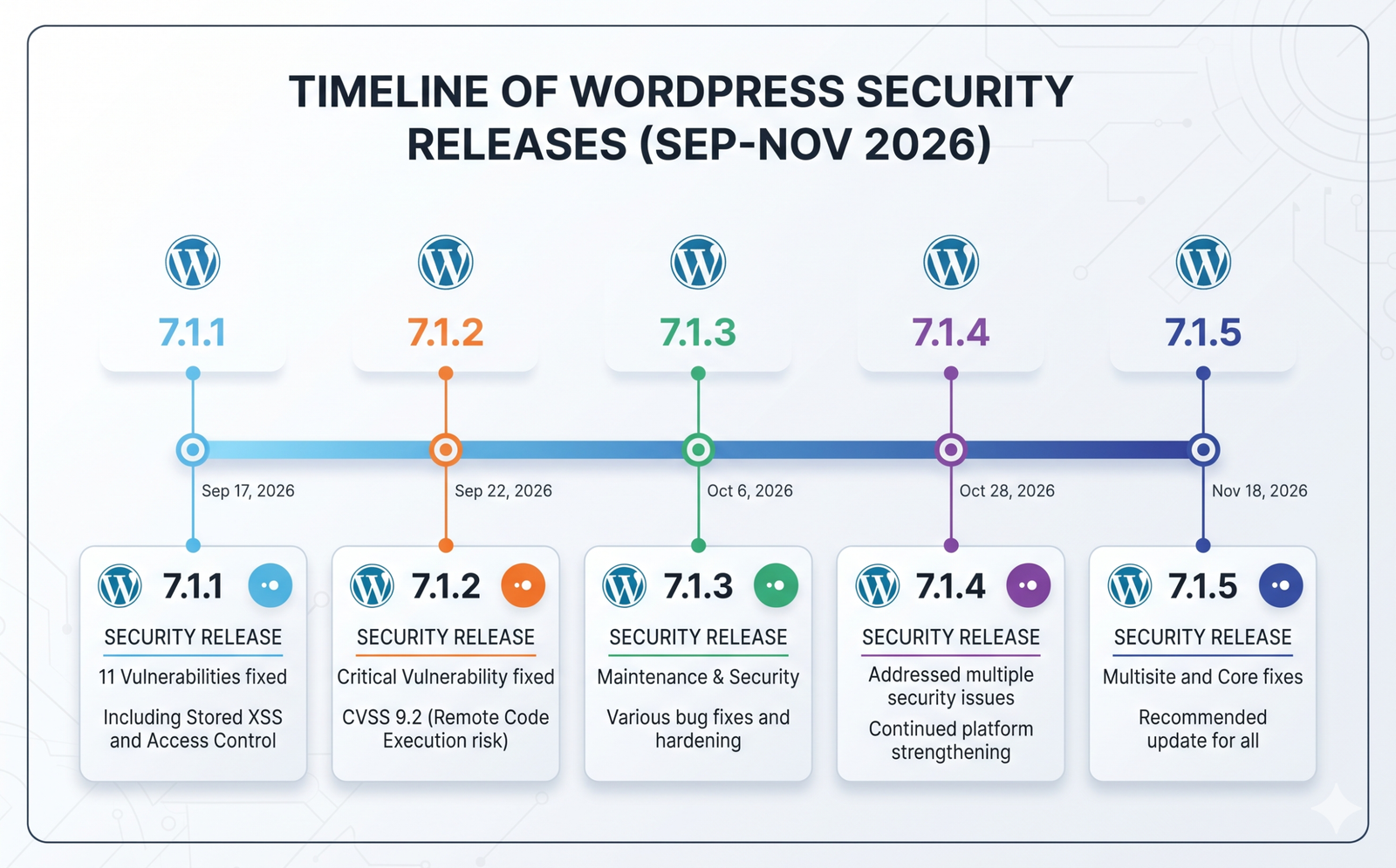
WordPress 7.1.5 came out on November 18, 2026, and it is a security release, not a feature update. It ships 20 security fixes for WordPress core. Does your business website, store or clinic site run on WordPress? Then this update applies to you, whatever version you use today.
The short answer: install WordPress 7.1.5 (or the patched release for your branch) now, then confirm it worked. The release closes a flaw that lets someone with no login escalate privileges and possibly run code on your server. It also fixes cross-site scripting, SQL injection and data exposure bugs. Your site may have updated itself already, but check.
What WordPress 7.1.5 fixes
The WordPress project announced the release in its official WordPress 7.1.5 release post on November 18. The post lists 20 items. Security firm Patchstack counts 18 of them as real vulnerabilities. The other 2 are hardening changes with no known way to exploit them.
“it is recommended that you update your sites immediately”
You can update from your WordPress Dashboard under Updates, or download the files from WordPress.org. Sites that support automatic background updates should start the update on their own.
The fix that matters most: the Template Part block
WordPress lists this as a privilege escalation that starts without a login, comes in through the attributes of the Template Part block, and “could lead to remote code execution.” Template parts are the shared pieces of a block theme, such as your header and footer.
In plain English: an attacker without an account could plant crafted block content. Patchstack’s analysis says the attack works once a logged-in user who can edit that content opens it. At that point the editor sends requests with that person’s permissions. If that person is an administrator, the path can reach plugin installation, which is how a site gets taken over.
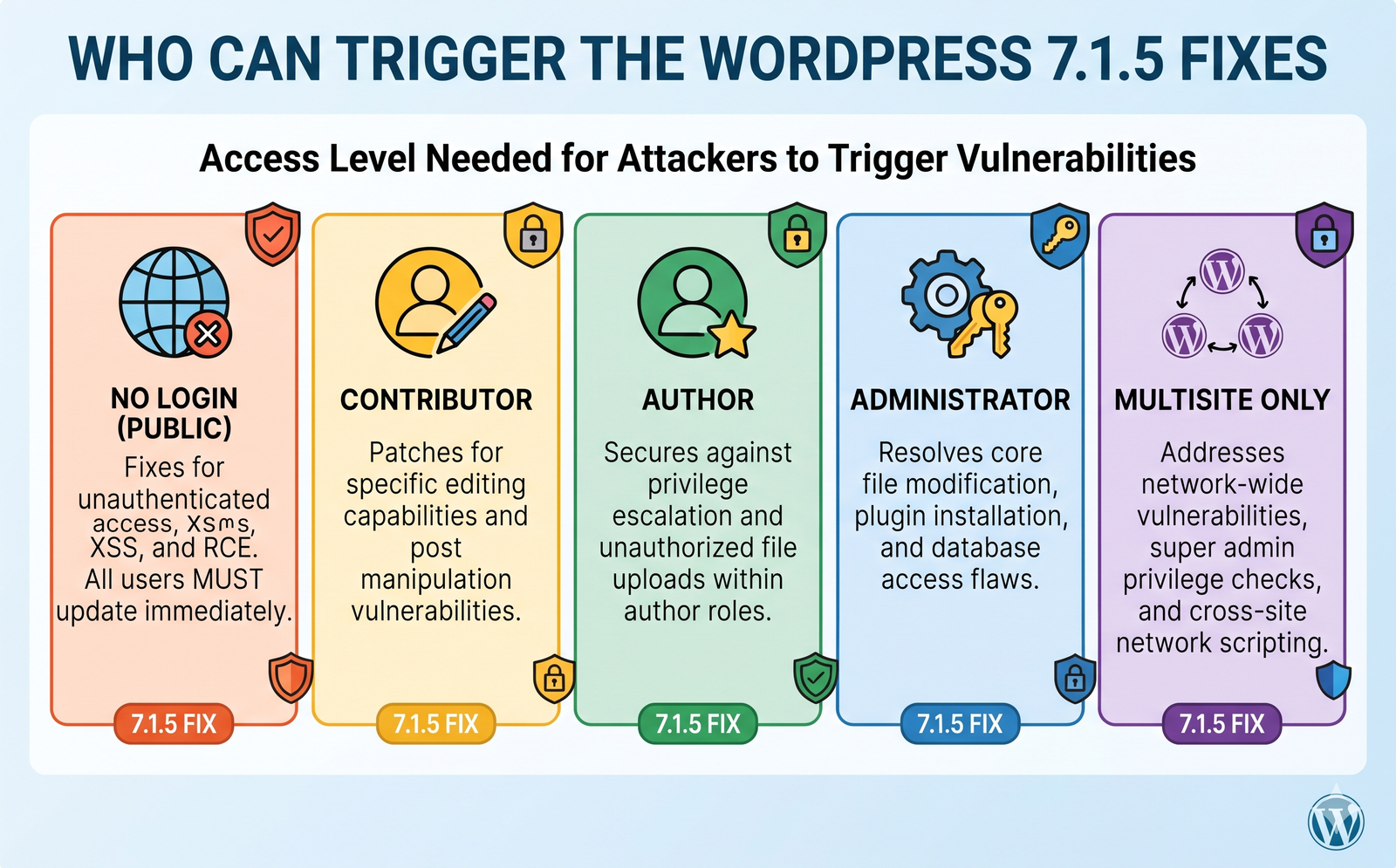
Other issues that start without a login
- Stored cross-site scripting through comments. A comment with crafted shortcode attributes could run code in a visitor’s browser. Patchstack notes it needs a page that shows a Latest Comments block.
- Denial of service through XML-RPC pingbacks. Batched pingback requests could slow down or knock over a site.
- Private category and tag terms exposed through the REST API search endpoint.
- A reflected cross-site scripting bug in the old media library popup, which needs a user who can upload files to click a crafted link.
- SQL injection in WP_Meta_Query. Patchstack says this one is reachable without a login only when a plugin or theme passes visitor input into a meta query.
- Cross-site scripting through Openverse image data in the block editor, which needs an editor to insert the attacker’s image.
Issues that need a logged-in account
Most of the remaining fixes need some level of access. Contributors could inject scripts through oEmbed responses, the Comment Date block and media file names. Authors could see user email addresses or edit comments they should not touch. Subscribers could read commenter emails and IP addresses through XML-RPC. Administrators could trigger SQL injection and stored scripts through Customizer previews. On a multisite network, a site Administrator could take over a Super Admin account. The list also covers an Editor-level data leak in the REST API. It also fixes a script bug in an Interactivity API function that plugins and themes can misuse.
Which versions are patched
The fixes were backported to every branch that still gets security updates, which today means 4.7 and newer. The release post said the backports would ship as they became ready, and the documentation page now lists them as released. The WordPress 7.1.5 documentation page lists the matching releases, for example 7.0.9, 6.9.12 and 6.8.13, all the way down to 4.7.40. If your site runs 4.6 or older, there is no patch for you at all. WordPress also reminds everyone that only the newest version is actively supported.
The next major version, WordPress 7.2, is planned for December 8, 2026, and its second release candidate already includes these fixes. The official post does not mention any attacks in the wild, and Patchstack reported that no CVE numbers had been assigned when it published.
Why WordPress 7.1.5 matters for your business
A security release sounds like a job for your developer. The risk, though, lands on your leads, your sales and your name. Here is how it plays out for the kinds of businesses I build for.
- Clinics (eye care, dental, skin and aesthetic, medical). Your site collects appointment requests and patient questions. A takeover can add spam pages, redirect visitors or change your phone number, and patients lose trust fast.
- Online stores on WooCommerce. Black Friday is November 27 this year. A store that is hacked, slow or offline that week loses sales it cannot get back.
- Law firms, consultants and accounting firms. These sites often have several authors and contributors. Several fixes involve what Contributor, Author and Editor accounts can reach, so old staff logins are a real risk.
- Manufacturers, logistics and HVAC companies. Many of these sites were built years ago and still run an older major version. Patched releases exist for those branches, so there is no excuse to stay exposed.
- Attorney and judicial campaign websites. Campaign sites get attention during an election and often allow comments. Defacement or injected content on a candidate’s site is a public problem, not a private one.
- Agencies and multi-location networks on multisite. The Super Admin takeover fix matters most here, because one weak site admin could reach the whole network.
There is an SEO cost too. A hacked WordPress site can be used to host spam pages or malicious redirects, and that can get it flagged in search. I covered how that works in our guide to the FBI’s SEO poisoning alert for WordPress sites.
What to do now: a 9-step WordPress 7.1.5 checklist
In my experience this takes about 30 minutes for a typical small business site. If someone else manages your site, send them this list and ask for a reply when each step is done.
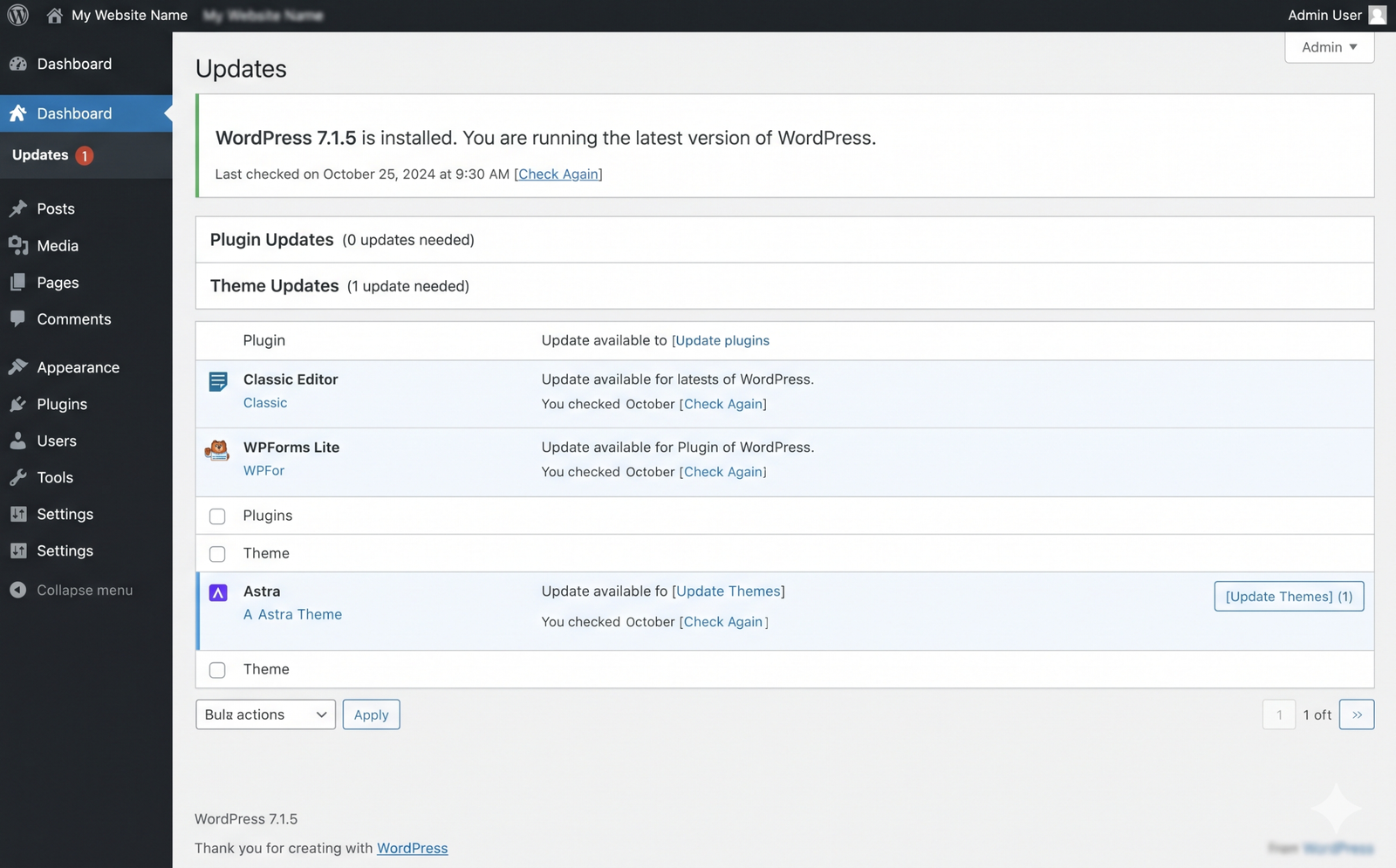
- Check your current version. Log in and look at the At a Glance box on the Dashboard, or open Dashboard, then Updates. You want to see 7.1.5, or the patched release for your branch, such as 6.9.12.
- Take a backup first. Use your host’s snapshot tool or your backup plugin. Make sure the backup includes the database, not just the files.
- Install the update. On the Updates screen, click Update Now. Stuck on an older major version this week? Install the latest patched release for your branch, then plan the bigger upgrade.
- Clear every cache. Purge your caching plugin and your CDN so visitors get fresh pages. Page caches, including tools like LiteSpeed Cache, may keep serving stored copies of pages until you clear them.
- Test what earns you money. Submit your contact form, book a test appointment, add a product to the cart and reach checkout. Confirm the notification emails arrive.
- Review every user account. Go to Users and remove anyone who no longer needs access, such as old writers, past agencies and former staff. Downgrade people who do not need Administrator or Editor rights.
- Look at your comments. If you do not use comments, turn them off. If you do, clear out pending spam and check pages that show a Latest Comments block.
- Decide on XML-RPC. If nothing on your site uses it, ask your developer or host to switch it off. Check first, because some plugins and the WordPress mobile app may rely on it.
- Update plugins and themes, then scan. A core update does not touch your plugins or theme, so update those too. Then check for admin users you do not recognize, plugins you did not install, and the Security issues report in Google Search Console.
Which fixes matter for which sites
Not every fix affects every site the same way. Use this table to see where your site sits.
| Fix | Who can trigger it | Sites most affected | What to do |
|---|---|---|---|
| Template Part block privilege escalation | No login needed, but an editor must open the content | Any site using the block editor | Update now |
| Stored scripts through comment shortcodes | No login needed, on pages with a Latest Comments block | Blogs, clinics and campaign sites with open comments | Update and review comments |
| XML-RPC pingback denial of service | No login needed | Any site with XML-RPC switched on | Update and turn off XML-RPC if unused |
| Private terms exposed through REST search | No login needed | Sites with private categories or tags | Update |
| Contributor and Author script and email bugs | Contributor or Author account | Multi-author blogs and firms with staff writers | Update and remove old accounts |
| Customizer SQL injection and stored scripts | Administrator account | Sites with several administrators | Update and limit admin roles |
| Multisite Super Admin takeover | Site Administrator on a multisite network | Agency and multi-location networks | Update and review every site admin |
Common mistakes to avoid
“My host takes care of updates”
Some hosts do, and some only make the update available for you to apply. Pantheon, for example, says in its WordPress 7.1.5 release note that customers should apply the update themselves, from their Pantheon dashboard or with its Terminus command-line tool. It added firewall rules for some of the bugs ahead of time, but says those rules do not replace the update. Ask your host which camp it is in.
“I’m on version 6, so this isn’t about me”
It is. According to the release documentation, the 7.0 and 6.5 through 6.9 branches are each affected by all 20 issues. Older branches are affected by fewer, but none of the supported ones are clean.
“Updating WordPress updates everything”
Core, plugins and themes update separately. A fully patched core with an outdated plugin is still a weak site.
Updating and walking away
The update itself is rarely the problem. A broken form that nobody notices for two weeks is. Always run the test in step 5.
FAQ
Is WordPress 7.1.5 safe to install?
Yes. WordPress calls it a short-cycle release, and it fixes existing security issues rather than adding new features. Take a backup first, install it, then test your forms, booking tools and checkout.
Will my site update to WordPress 7.1.5 automatically?
If your site supports automatic background updates, WordPress says the update should begin on its own. Some hosts and setups switch this off, so log in and confirm the version number on the Updates screen.
I’m on an older version like 6.8. Do I have to jump to 7.1.5?
Not this week. WordPress released patched versions for every branch back to 4.7, such as 6.8.13. Install the patch for your branch now, then plan the move to the latest version, which is the only one actively supported.
Are these WordPress vulnerabilities being exploited right now?
The official announcement does not say they are. That can change quickly once fixes are public, because attackers can study the patched code. Treat it as urgent anyway.
Does updating WordPress core also update my plugins and theme?
No. Core, plugins and themes update separately. After installing the core update, go back to the Updates screen and update your plugins and theme as well.
My site is on a managed host with a firewall. Do I still need to update?
Yes. A firewall can block some attacks, but the fix lives in the update. Pantheon, for example, says its firewall rules for this release do not replace updating.
Bottom line
WordPress 7.1.5 is a must-install update, not a nice-to-have. Confirm your version today and install the patch for your branch. Then test the pages that bring in leads and sales, and clean up old user accounts. If you manage several sites or run a store heading into Black Friday, do it before the weekend is over.
If your site has already been hacked, or you are not sure it is clean, our WordPress malware removal service can check and fix it. For ongoing updates, testing and security checks, get in touch and tell me which sites you need covered.
Sources and how we checked this
- WordPress.org News: WordPress 7.1.5 Release, November 18, 2026
- WordPress.org Documentation: Version 7.1.5, November 18, 2026
- Patchstack: WordPress 7.1.5 Security Release, November 18, 2026
- Pantheon Docs: WordPress 7.1.5 security release fixes 20 issues, November 18, 2026
- Search Engine Journal: WordPress 7.1.5 Security Release Fixes 18 Vulnerabilities, November 19, 2026