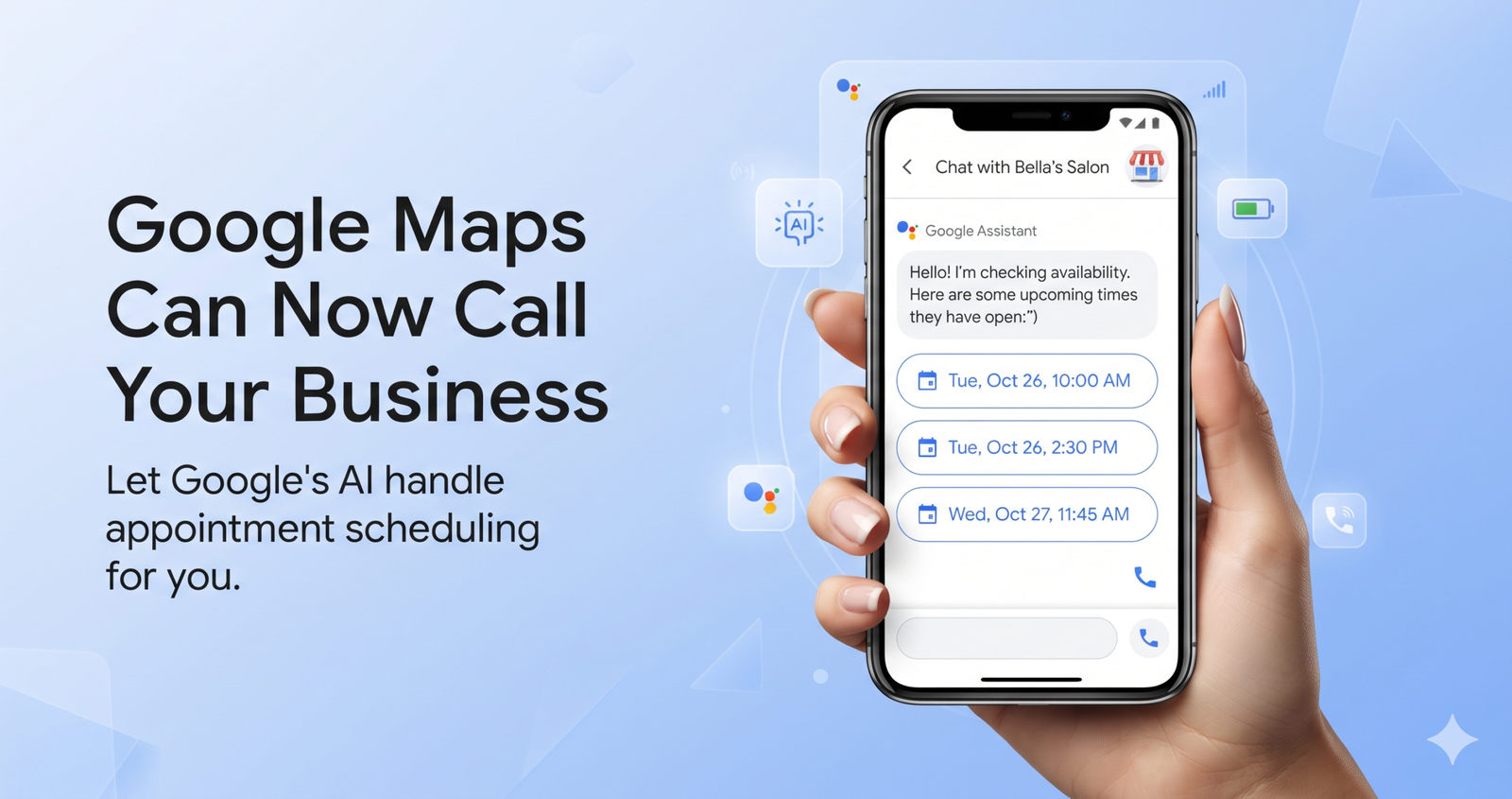
Google’s Ask Maps just got a new job. On November 16, 2026, Google announced that Ask Maps, the AI chat inside Google Maps, can now track down appointments in four service categories. It checks booking availability on the web and places calls to local shops for the person asking. The feature is rolling out on Android and iOS and starts in the U.S. If you run a salon, a grooming shop, a garage or a home repair company, the “customer” on your next call may be Google’s software.
The short answer: Ask Maps now checks online availability and calls nearby businesses to collect open appointment slots. It then shows the customer those options side by side. Google hasn’t said how it picks businesses. My advice: answer clearly, list accurate services and hours, and offer bookable online slots. U.S. owners in the four named categories should review their Business Profile settings this week.
What Google announced about Ask Maps
The news came in a post on Google’s blog by Maz Khorasani, Product Director for Google Maps, titled New Ask Maps features to help with holiday travel and prep. Google frames it as help for the holiday rush. For business owners, one part matters most: the chat now has what Google calls “new agentic capabilities.”
In plain terms, a person can type a request like “Find me a 4 p.m. nail appointment near me.” The assistant then looks for openings online and can call local businesses for that person. The person then sees a list of openings from several places and chooses one.
Google names four categories for appointment finding:
- Beauty (think salons, nail studios and hair services)
- Pet care
- Auto
- Home repair
The same release added three other features. It can now build day-by-day trip itineraries with numbered map pins. Directions show “Know before you go” route tips, such as where to park or charge, weather, delays and tolls. People can also search their saved lists for places with live availability.
Availability is split. Itineraries and saved-list search work everywhere Ask Maps is offered. Route tips and appointment finding launch in the U.S. first, and Google says more regions are coming soon, with no dates given. Google also said the chat is beginning a rollout to 30 European markets, the U.K., Germany and Spain among them. That will take it past 200 countries and territories.
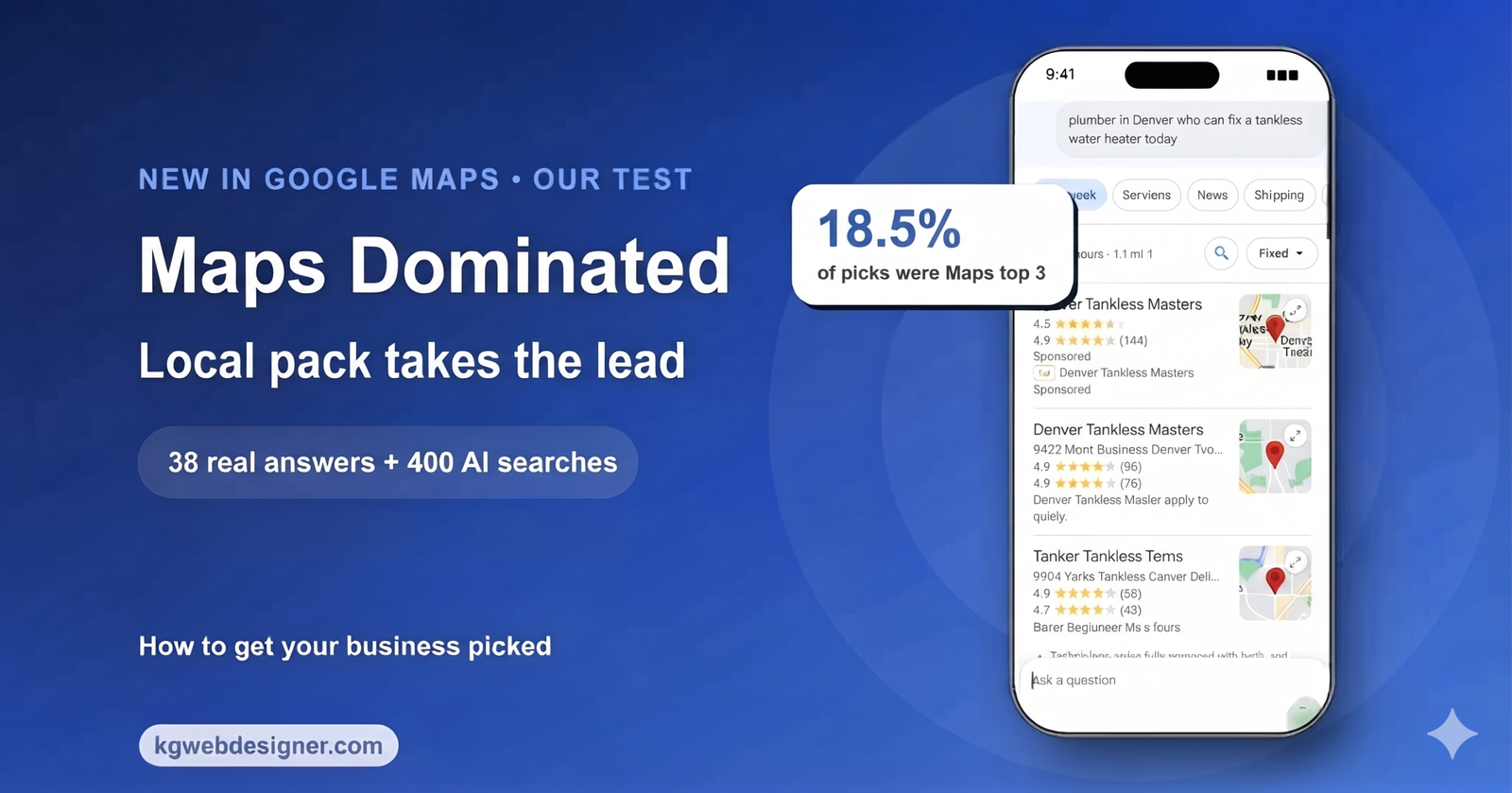
How Google’s calls to your business work
Google has called businesses for customers before. Its Business Profile help page, About automated calls and texts from Google to your business, explains the rules. Here is what it says, in my words:
- If a customer asks Google Search or Maps for something from your business, Google may phone you for them with an automated call.
- Requests can include booking an appointment and confirming the price and availability of services.
- If you work with an online booking provider, Google may book through that partner or call you directly.
- Google says these calls are “monitored and recorded for quality assurance.” Neither side pays for them.
- Google says it tries not to ask the same thing twice and stays away from very early or very late calls.
- For U.S. businesses, five states are excluded from these automated calls: Indiana, Louisiana, Minnesota, Montana and Nebraska.
Verified businesses can manage these calls in their Business Profile. Go to More, then Business Profile settings, then Advanced settings. Under “Google automated calls and text messages,” you will find a toggle for “Bookings and inquiries from customers.” You can also tell a Google caller something like “Please stop calling my business.”
One honest caveat. As Search Engine Journal pointed out, Google’s announcement does not say whether these new calls follow that toggle. Until Google confirms it, treat the toggle as your best available control, not a guaranteed off switch.
There is a related feature in Search. Google’s help page on checking pricing for local businesses with AI describes a “Have AI check pricing” button. Google calls several providers, may share the customer’s name with them, and emails the customer the quotes. That Search tool does not create a booking. The new Maps feature brings a similar idea into the Maps chat, where people are already picking a place to go.
Who this affects, by business type
Not every local business is in scope yet. Here is how I read the announcement for the kinds of businesses I work with.
| Business type | Named by Google? | What to prepare now |
|---|---|---|
| Salons, nail studios, barbers | Yes (beauty) | Clear service names, real availability, someone who answers during listed hours |
| Pet groomers and pet care | Yes (pet care) | Services by pet size or type, booking link, honest wait times |
| Auto repair and service | Yes (auto) | Common jobs listed (oil change, brakes, inspection), drop-off rules |
| HVAC, plumbing, electrical, handyman | Yes (home repair) | Service area, emergency vs. scheduled visits, estimate process |
| Med spas and aesthetic clinics | Not named | Google has not said whether “beauty” covers medical aesthetics, so prepare anyway |
| Dental, eye care, medical clinics | Not named | Keep hours, services and booking paths accurate for when coverage grows |
| Law firms, consultants, B2B | Not named | Low direct impact today; profile accuracy still feeds Maps answers |
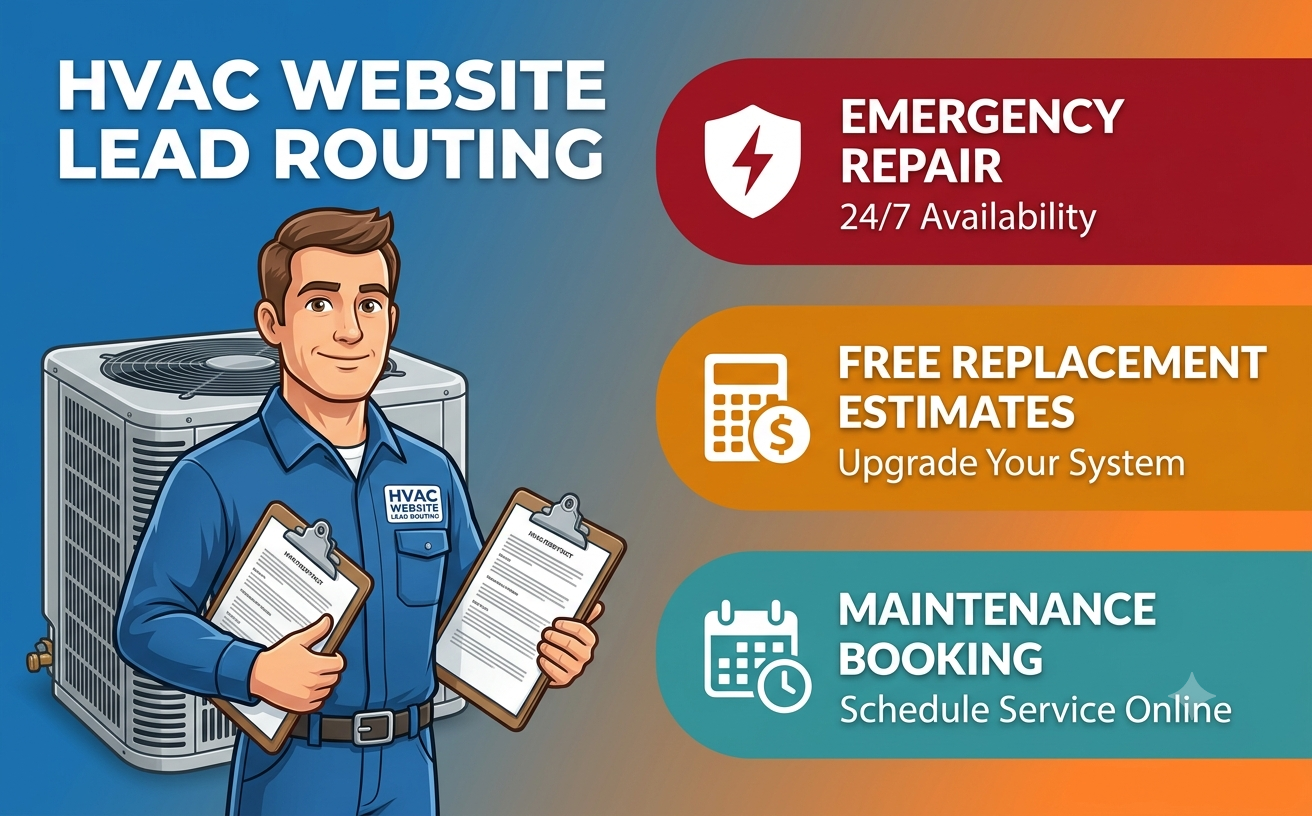
Home repair is the category I would watch most closely. In my experience, many HVAC and plumbing companies already struggle to separate urgent calls from routine bookings. My guide on HVAC website lead routing for emergency repairs, estimates and maintenance shows how to set those paths up. The same logic applies to how your team handles an AI caller.
For clients outside the U.S., appointment finding is not live yet. Itineraries and list search already work wherever the chat is offered, and they draw on business details such as whether a place is open.
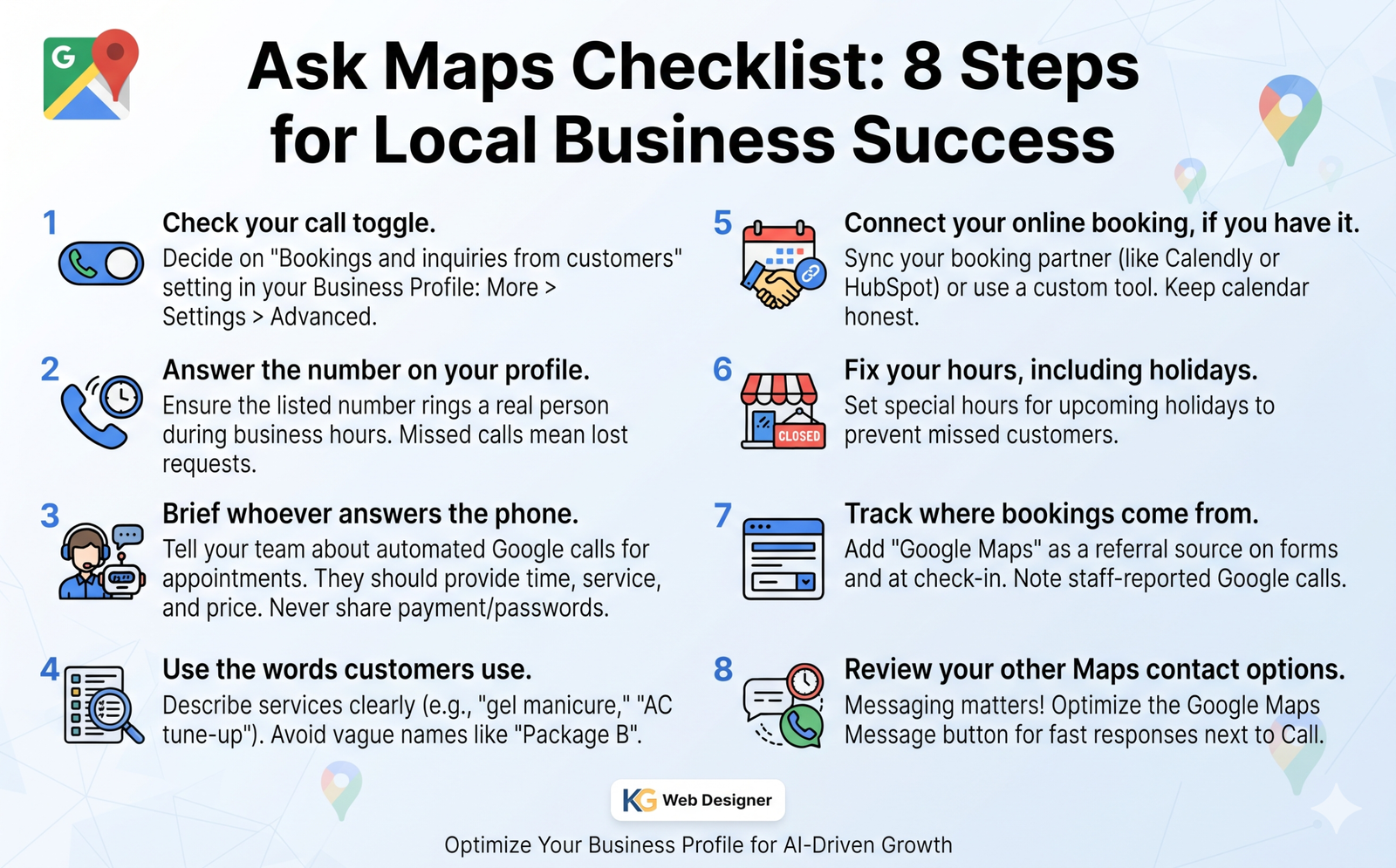
What to do this week: an 8-step Ask Maps checklist
None of this needs a new website. It needs an hour of focused cleanup and one conversation with your front desk.
- Check your call toggle. Open your Business Profile and go to More, then Business Profile settings, then Advanced settings. Look at “Bookings and inquiries from customers” and decide on purpose whether it stays on. The table further down can help.
- Answer the number on your profile. If Google calls and nobody picks up, you are likely out of the running for that request. Make sure the number on your profile rings a real person during the hours you list.
- Brief whoever answers the phone. Tell your team that a recorded, automated caller from Google may ask about an appointment for a customer. They should give a clear time, the service name and the price if you share one. They should never share payment details or passwords; Google says genuine calls won’t ask for those.
- Use the words customers use. List services the way people ask for them: “gel manicure,” “AC tune-up,” “brake inspection,” “dog nail trim.” Vague names like “Package B” are hard for any AI to match to a request.
- Connect your online booking, if you have it. Google says it may book through your booking partner instead of calling. If you are still picking a tool, read my comparison of Calendly, HubSpot Meetings and custom booking. Keep the calendar honest, because a slot you cannot honor costs you a review.
- Fix your hours, including holidays. U.S. Thanksgiving is November 26. Set special hours now so nobody is sent to a closed door.
- Track where bookings come from. Add “Google Maps” as an option on your “How did you hear about us?” question, both on forms and at check-in. Ask staff to note calls where the caller says it is Google. A booking that starts in a Maps chat may never show up as a website visit in your analytics.
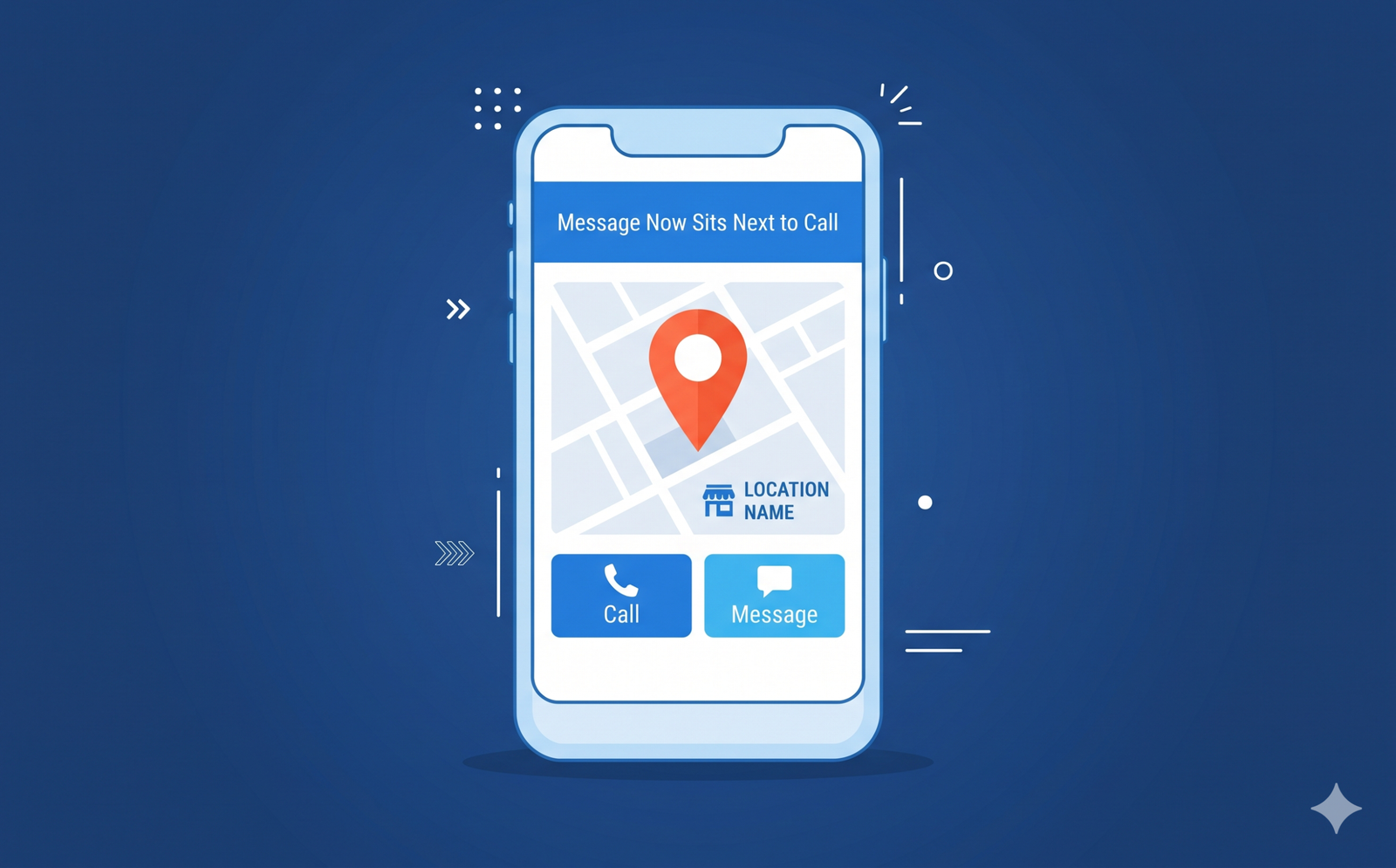
- Review your other Maps contact options. Messaging matters too. My earlier post covers the Google Maps Message button that now sits next to Call, and both changes reward businesses that respond fast.
Should you leave the “Bookings and inquiries” toggle on?
This is a judgment call. Here is how I would think about it for a typical small business.
| Your situation | My suggestion | Why |
|---|---|---|
| Front desk answers during listed hours | Keep it on | You can confirm slots fast and land in the shortlist |
| Online booking connected and kept current | Keep it on | Google says it may book through your partner instead of calling |
| Solo owner who is with clients all day | Fix online booking first, then decide | Missed calls help nobody; a live calendar works while you do |
| Fully booked weeks ahead | Your call | Calls may not bring new business now, but turning it off can cost you later |
| Based in Indiana, Louisiana, Minnesota, Montana or Nebraska | Check, but low urgency | Google’s help page excludes these states from its existing automated calls; Google hasn’t said whether the Maps chat follows the same list |
Common mistakes and myths about Ask Maps
Myth: “Google books and pays for the appointment”
Google’s post says the assistant lists openings and leaves the choice to the customer. It does not mention deposits or payment. Separately, the Business Profile help page says Google may book appointments through a booking partner or by calling you. If you take deposits, say so clearly on your site and profile. My post on booking systems with deposits, reminders and follow-up shows how to set that up cleanly.
Mistake: hanging up on every automated call
In my experience, many front desks treat any automated call as spam. That reflex now has a cost. Train staff to listen for a few seconds and check whether Google is calling for a customer.
Mistake: assuming the toggle blocks the new calls
The toggle covers Google’s automated calls for customer bookings and inquiries. Google has not yet confirmed that calls from the Maps chat follow it. Watch the help page for updates.
Mistake: mismatched phone numbers
If your website, your profile and your directory listings show different numbers, you invite confusion for people and machines. Pick one main number and keep it consistent.
Myth: “This only matters in the U.S.”
Appointment finding is U.S. first. The chat itself is expanding past 200 countries and territories, and its itineraries show details like whether a place is open. Your profile is feeding AI answers in many places already.
Ask Maps FAQ
What is Ask Maps?
Ask Maps is the conversational AI feature inside Google Maps. People ask it questions in plain language, and it answers with places, plans and now appointment options from nearby businesses.
Which businesses can Ask Maps call for appointments?
Google names beauty, pet care, auto and home repair businesses. Appointment finding launches first in the U.S., and Google says more regions are coming soon.
Can I stop Google from calling my business?
Verified businesses can turn off “Bookings and inquiries from customers” under Advanced settings in their Business Profile, or ask the caller to stop. Google has not confirmed whether these Maps calls follow that setting.
Does Ask Maps book the appointment for the customer?
Google says it lists openings and the customer makes the choice. Its Business Profile help page adds that Google may book through a booking partner or by calling the business.
Are Google’s calls to businesses recorded?
Google’s Business Profile help page says its automated calls on behalf of customers are recorded and monitored. The Ask Maps announcement itself doesn’t mention recording, so check the help page for updates.
How can I tell a real Google call from a scam?
Google’s help page says a real Google call won’t request money, card numbers or passwords. Anyone asking you to pay to stay listed on Google isn’t Google.
The bottom line on Ask Maps
Ask Maps turns Google Maps from a place to find businesses into a place where customers compare openings and choose. For U.S. salons, pet care, auto and home repair businesses, I expect that shortlist to become a real source of bookings. Check your toggle, answer your phone, list services in plain words and keep your calendar honest.
Want help getting your Business Profile, booking flow and tracking ready for AI-driven local search? Take a look at my digital marketing and local SEO services. I am happy to review your setup before the holiday rush.
Sources and how we checked this
- Google, The Keyword: New Ask Maps features to help with holiday travel and prep (November 16, 2026)
- Google Business Profile Help: About automated calls and texts from Google to your business (checked November 17, 2026)
- Google Search Help: How to check pricing for local businesses with AI in Google Search (checked November 17, 2026)
- Search Engine Journal: Google’s Ask Maps Starts Finding Appointments & Calling Businesses (November 17, 2026)
- PPC Land: Google Maps’ AI now calls US salons, groomers and garages to find open slots (November 16, 2026)
- Digital Trends: Google Maps can now organize multi-day trips and call businesses to check appointments (November 2026)
Every claim in this article was checked against the sources above on November 17, 2026. If something changes, this article is updated and the date above changes.