OpenAI just gave businesses a way to see what ChatGPT does with their name. On November 10, 2026, the company launched Businesses in ChatGPT in beta, and the control panel is called ChatGPT Business Hub. A verified owner can correct business details and read mentions and website clicks. If you depend on search for leads, this is the first official look at how ChatGPT may send people to your site.
Quick answer: ChatGPT Business Hub is OpenAI’s dashboard where an owner or authorized representative claims a business, passes an identity check, edits business details and reads 28 days of mentions, clicks and discovery topics. Claiming is free at launch. Claim yours this week, log the numbers monthly, and check them against your own analytics before you report results.
What OpenAI launched on November 10
OpenAI introduced Businesses in ChatGPT as a beta. In its launch post, the company describes a new way for businesses to provide information to ChatGPT, which it says 1.2 billion people use each week. Early walkthroughs from DeltaV Digital and eCorpIT say you open ChatGPT Business Hub from the ChatGPT sidebar. OpenAI also publishes a setup guide.
The beta has three parts:
- A profile you can claim. Once you verify, you can manage the business information ChatGPT shows.
- Insights. OpenAI describes these as the number of mentions and website clicks a business receives, plus discovery topics.
- Business Agents. These are labeled chats where a shopper can ask a business questions. They start with eligible ecommerce and online service businesses in the US.
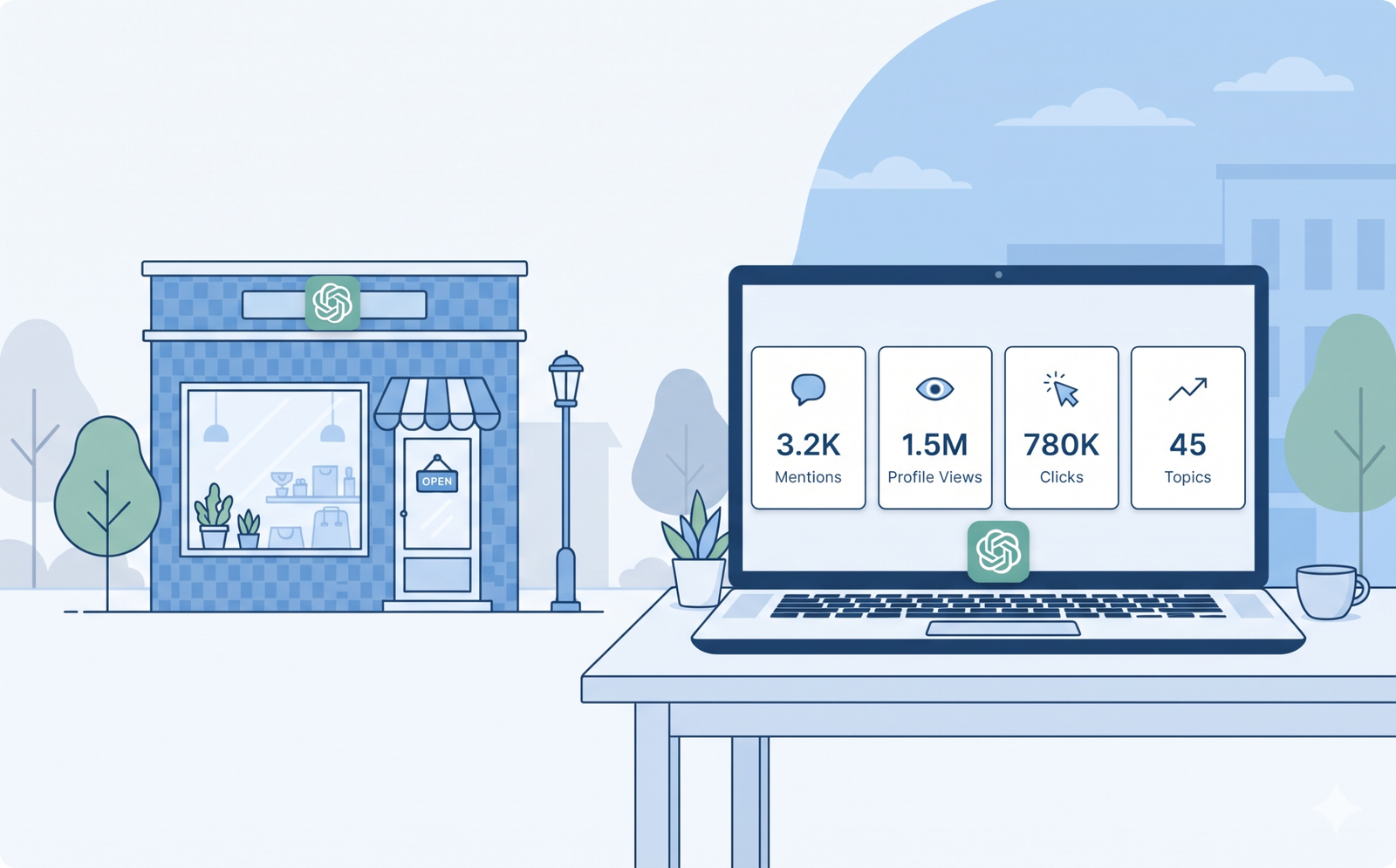
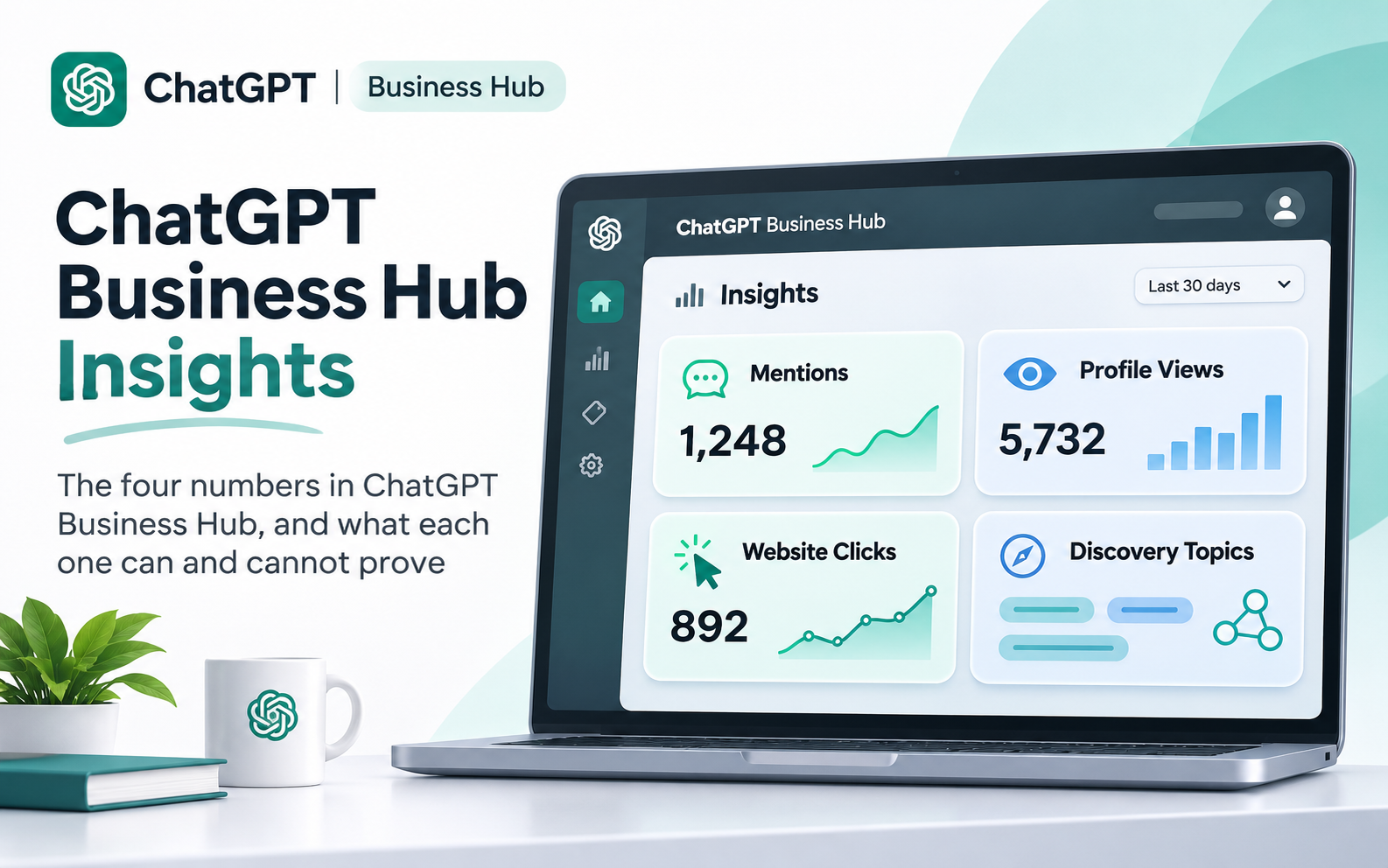
Search Engine Roundtable covered the launch the same day. It also reported that the dashboard adds profile views beside mentions and clicks. Those are three separate counters, and they answer three separate questions.
Why does this matter? Before this launch, most owners could only guess from analytics or run prompts by hand. ChatGPT Business Hub gives you a first-party number, even if it is a rough one. It also gives you a way to correct wrong details at the source.
Who can claim a profile, and how verification works
OpenAI says any eligible business located where ChatGPT is available can claim its business through Business Hub. You must own the business or be authorized to represent it. VentureBeat adds that you do not need an ads account or an Enterprise agreement to claim an eligible business.
Here is how the main client types line up today, based on VentureBeat’s report and DeltaV Digital’s walkthrough:
| Business type | What looks possible now | Watch out for |
|---|---|---|
| Online business with a website | Claim a profile wherever ChatGPT is available | Eligibility still depends on OpenAI’s checks |
| Local store or restaurant | Claim an existing listing, US only for now | Outside the US, confirm before you promise a client anything |
| US ecommerce or online service company | Claim a profile and apply for a Business Agent | The agent is part of the beta, not a guarantee |
| OpenAI Enterprise customer or advertiser | DeltaV Digital says to claim through your OpenAI representative | VentureBeat says no Enterprise agreement is needed, so check both routes |
| Business with several locations | Claiming the main brand does not claim its locations | Ask OpenAI about the supported claim path |
The local row matters if you serve clients in the UK, Australia, Canada or the UAE. VentureBeat reports that local stores and restaurants can currently claim only an existing US listing. A dental clinic in Dubai may therefore be unable to claim anything yet, while an online service company with a website may be fine. I could not find a published list of eligible categories. Test one profile before you promise a client anything.
For verification, OpenAI can confirm a claim through a business phone number, email address, website domain or Shopify account, depending on the business. After approval, the person managing the listing completes a separate identity check through Persona. VentureBeat says that check comes before publishing profile changes, connecting a product feed, seeing analytics or creating an agent.
Sources disagree on one detail. DeltaV Digital, which claimed its own profile on launch day, reports seeing Insights before it finished the identity step. The order may shift while the beta settles, so do not plan around it.
One more risk deserves a plan. Barry Schwartz of Search Engine Roundtable said he is nervous about people hijacking business listings. That is a good reason to claim your own profile early. DeltaV reports a dispute ownership option in the profile menu if someone else claimed yours first.
What the ChatGPT Business Hub data shows
The dashboard reports aggregate activity over the past 28 days, according to VentureBeat. Here is how I read each number.
| Metric | What it tells you | What it cannot tell you |
|---|---|---|
| Mentions | ChatGPT referenced your website (online business) or showed your location (local business) | Which prompt triggered it, or whether you were recommended |
| Profile views | People opened your ChatGPT profile | Whether they then visited your site |
| Website clicks | Recorded clicks on links to your website | Visits or conversions |
| Discovery topics | Common themes in conversations where your website is cited or your business appears | The exact questions people asked |
Mentions count differently for online and local businesses. For an online business, ChatGPT has to reference the website. For a local business, showing the location in a result is enough, even if nobody opens it. Do not compare an online store’s mentions with a clinic’s mentions.
Clicks come with a warning from OpenAI itself. The tooltip says clicks “don’t confirm website visits or conversions.” Treat the number as a sign of interest, then confirm real visits in your own analytics.
Mentions can run far ahead of clicks. DeltaV reported 23 mentions and zero website clicks over 28 days on day one. That is one small data point, not a benchmark. It still shows why you should report the two numbers separately.
Blank is not zero. OpenAI says metrics appear only after minimum thresholds, and a blank can mean it is still collecting data or that reporting is unavailable. A small business with a quiet first month may see empty charts.
You will not see the conversations. OpenAI says it does not share users’ conversations or Business Agent chats with businesses. You get counts and themes, not prompts. If you need prompts, keep a short list of questions your customers really ask and test them in ChatGPT once a month. We ran a version of that test in our look at which eye clinics ChatGPT, Gemini and Perplexity recommend.
Finally, keep it separate from Google data. Search Console counts Google impressions and clicks. ChatGPT Business Hub counts ChatGPT activity. They measure different systems, so do not add them together or subtract one from the other.
Business Agents and ads: who should care
A Business Agent answers shopper questions using information you supply. It runs in a labeled chat that is separate from ChatGPT’s own answers. Retailers can upload a product feed with prices and stock, or connect a Shopify store. At launch, agents are for eligible US ecommerce and online service companies with a website.
OpenAI also says a business can make its agent the destination for a ChatGPT ad. That ad format is narrower. OpenAI’s ads help center describes sponsored agents as a limited test with selected advertisers, per VentureBeat. Claiming and publishing an agent are free at launch, and OpenAI left open the chance of charging later.
If your clients are local clinics or law firms, skip the agent for now. Focus on a correct profile and clean numbers. If you run a US online store, first decide whether you have a traffic problem or a conversion problem. Our guide on where a premium eCommerce brand should invest first walks through that choice.
What to do now: a 30-day plan
- Pick the owner account. Use a company-owned ChatGPT account, not a personal login. DeltaV Digital reports that teammates and agencies can be added later with their own accounts.
- Check eligibility. Search for your business in ChatGPT Business Hub. Note whether it appears as a local listing or as an online business with a website.
- Gather verification access. Have the main business phone, a business email inbox, DNS access and your Shopify admin ready, depending on your setup.
- Prepare for the identity check. DeltaV reports uploading a photo of a government ID. Choose an owner or authorized representative who will stay with the business.
- Correct your details. Review every field and fix what is wrong. DeltaV says OpenAI reviews changes before they publish.
- Match your other profiles. Keep the business name, address and service descriptions identical on your website and Google Business Profile. Our post on the Google Maps Message button change shows another recent listing update worth checking.
- Set up a GA4 view for ChatGPT referrals. Filter acquisition reports for a session source of chatgpt.com. If your conversion tracking is shaky, fix that first with a GA4, GTM and CRM tracking plan.
- Start a monthly log. On the same day each month, copy the 28-day numbers into a simple sheet. The dashboard shows only a short window, so your log becomes the history.
| Log column | What to record | Where it comes from |
|---|---|---|
| Mentions (28 days) | The count, plus the date you copied it | ChatGPT Business Hub |
| Website clicks (28 days) | The count, reported separately from mentions | ChatGPT Business Hub |
| Discovery topics | The themes, in plain words | ChatGPT Business Hub |
| ChatGPT referral sessions | Sessions with chatgpt.com as the source | GA4 |
| Leads from those sessions | Form fills, calls or bookings | GA4 and your CRM |
If you are an agency or freelancer, get written authority before you claim anything for a client. Ask the client to hold the claim on their own account, and add yourself as a collaborator. The reports say you must own the business or be authorized to represent it, so keep that permission on file.
How to explain this to a client
Clients will hear “ChatGPT” and expect leads by Friday. Keep the conversation grounded with three points:
- It is a beta. OpenAI launched it on November 10, and details can change.
- It is a record and a report, not a ranking switch. OpenAI says claiming does not guarantee higher placement or sales.
- We will measure it together. You will see mentions, clicks and real website sessions side by side each month.
Common mistakes to avoid
- Reporting clicks as visits. OpenAI’s own tooltip says a click does not confirm a visit.
- Reading a blank chart as zero. OpenAI says blanks can mean data is still being collected.
- Claiming under a personal login. The profile then leaves with that person.
- Promising a ranking lift. OpenAI says ChatGPT keeps making independent recommendations.
- Treating it as a replacement for Google tools. Search Console and Google Business Profile still cover Google.
- Skipping the baseline. Without a first month on record, you cannot show change later.
FAQ
What is ChatGPT Business Hub?
ChatGPT Business Hub is the dashboard OpenAI launched on November 10, 2026, inside its Businesses in ChatGPT beta. A verified owner can claim a business, manage its information and read insights on mentions, website clicks and discovery topics.
Is ChatGPT Business Hub free?
Claiming a profile and publishing a Business Agent are free at launch. VentureBeat, citing Digiday, reports that an OpenAI executive left open the possibility of charging in the future. ChatGPT ads are a separate product.
Who can claim a business in ChatGPT?
OpenAI says eligible businesses located where ChatGPT is available can claim a profile. You must own the business or be authorized to represent it. Local stores and restaurants can currently claim only an existing US listing, according to VentureBeat.
Does claiming my business make ChatGPT recommend me more?
No guarantee exists. OpenAI says claiming does not promise better placement or more sales, and that ChatGPT continues to make independent recommendations. Treat the profile as a way to correct details and measure activity.
What does ChatGPT Business Hub show?
It shows aggregate activity over the past 28 days: mentions, website clicks and recurring topics, with profile views also reported by Search Engine Roundtable. It does not show prompts or conversations. Numbers appear only after minimum thresholds.
How do I see ChatGPT traffic in Google Analytics?
Filter your acquisition reports for chatgpt.com as a session source. Some reports say ChatGPT adds a utm_source=chatgpt.com tag to links, but one analysis notes the OpenAI page that said so now redirects. Confirm the tag in your own data, and expect an undercount.
Can an agency claim a business for a client?
Only with proper authority. OpenAI says you must own the business or be authorized to represent it. The best setup is for the client to hold the claim and add the agency as a collaborator.
Conclusion
ChatGPT Business Hub will not fix a weak website. It will show you whether ChatGPT already mentions your business, and it lets you correct the record at the source. Claim your profile, keep the numbers in a simple monthly log, and judge results in your own analytics.
If you want help sorting out your business details, tracking and AI visibility, my SEO, AIO and GEO digital marketing services cover exactly that work.
Sources and how we checked this
- OpenAI, Introducing Businesses in ChatGPT, November 10, 2026
- OpenAI Help Center (listed by title; not opened directly), Setting up your business on ChatGPT
- Search Engine Roundtable, Businesses in ChatGPT Business Hub Live With Click Data, November 10, 2026
- VentureBeat, OpenAI lets you claim your business in ChatGPT and set up a custom agentic AI customer sales rep, November 10, 2026
- DeltaV Digital, How to claim your business in ChatGPT: a step-by-step guide to Business Hub, November 10, 2026
- eCorpIT, ChatGPT analytics for business: Business Hub mentions, clicks and citations, November 11, 2026