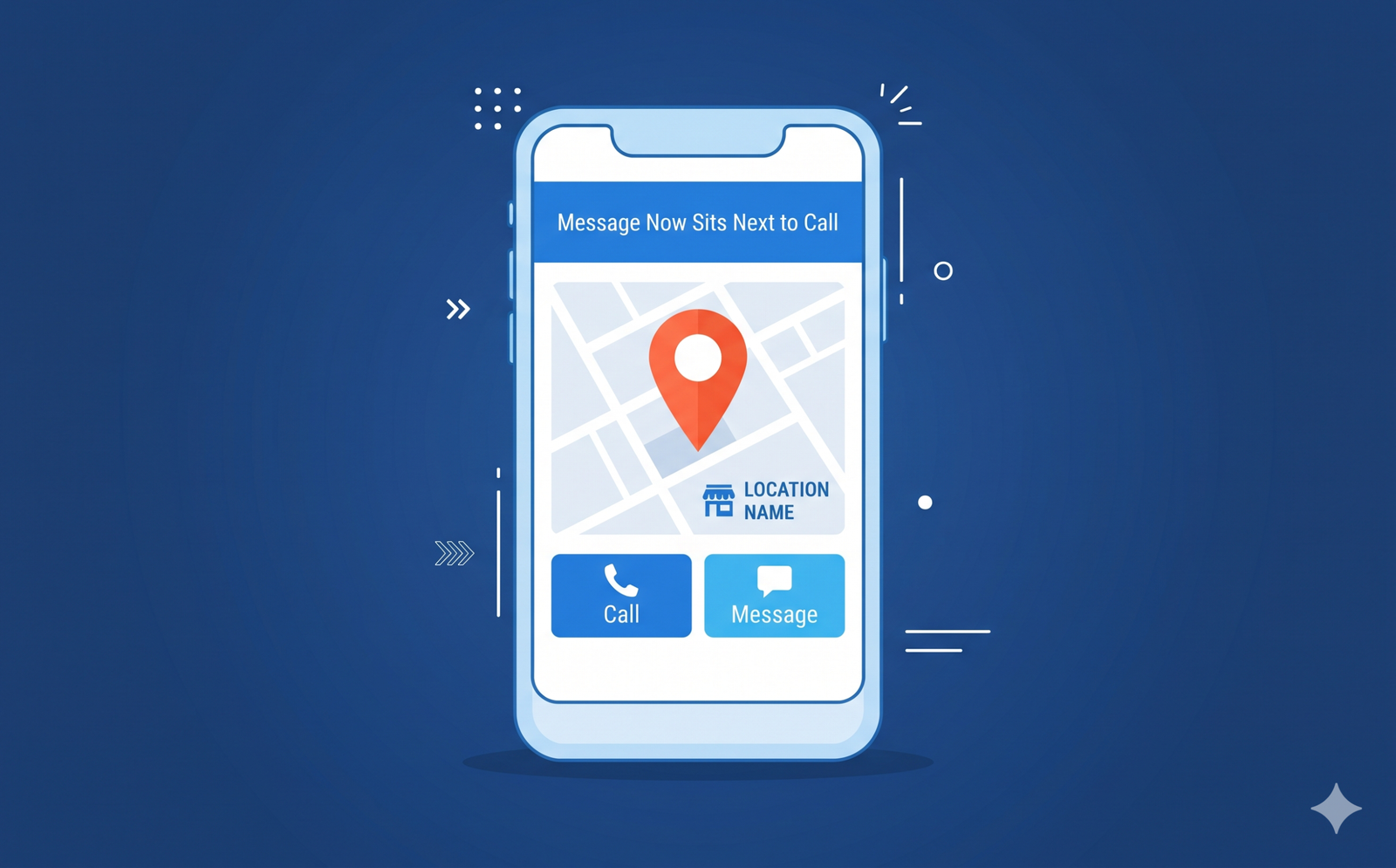
The Google Maps Message button just moved to a far better spot on your listing. On November 5, 2026, Google said customers on Android and iOS now see Message right beside Call on Business Profiles that have chat set up. If you run a clinic, a repair business or any local service, that button is now one of the first things a buyer can tap.
That is good news only if someone answers. A button that goes nowhere is a bad look when it sits in prime space on your listing. This post explains what changed, what Google has not said, and what to do this week.
Short answer: you choose whether the Google Maps Message button exists on your listing. Google’s help page says you add a WhatsApp link or a text number, and Google now shows that channel next to Call. Customers can reach you faster, but only if the link works and a person replies quickly.
What the Google Maps Message button change is
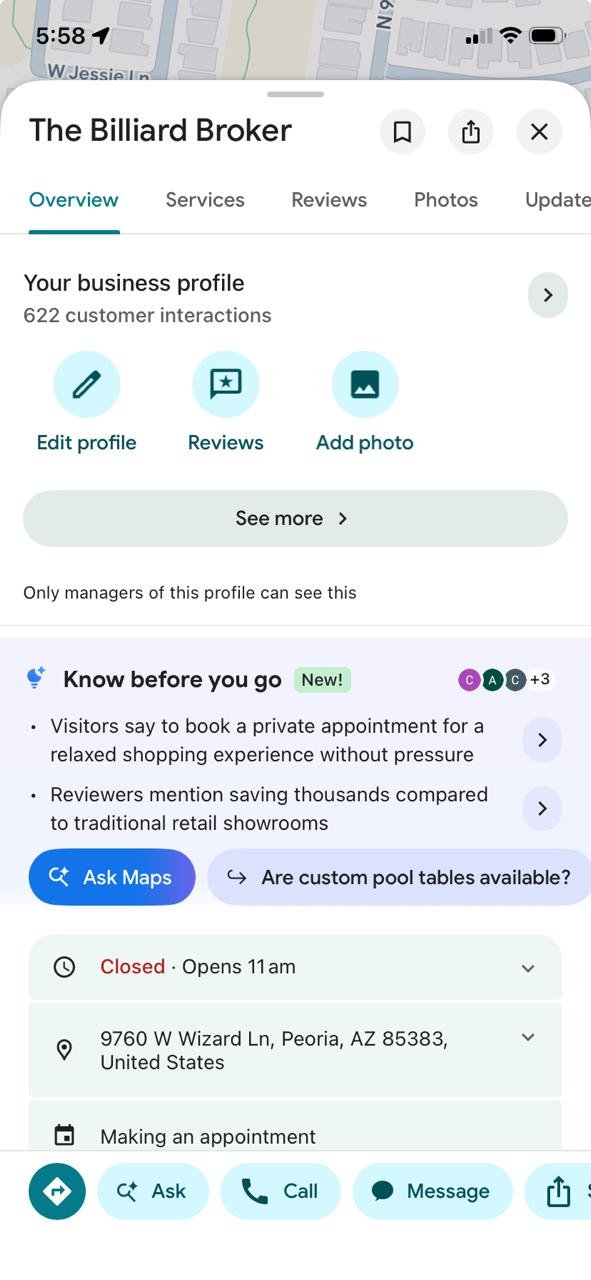
Google published its monthly Small Business Bulletin on November 5, 2026. Lisa Landsman, Google’s Head of Industry Engagement and SMB Success per Search Engine Journal, posted it in the Business Profile Community. Search Engine Roundtable reports that she said customers can now find a prominent Message button right next to “Call”
on a Maps listing.
Before this, Google says, customers had to scroll deep into a profile to find chat. Now the button shows in the profile view, in the expanded header and in the bottom action bar. Search Engine Journal adds that a tap sends the customer to the chat option you set up, including WhatsApp and text.
Google also framed the change as a way to catch leads you cannot answer live. Its examples are a business owner who is mid-appointment or out on a job. That is the right way to think about it. The Google Maps Message button is a backup for the call you miss, not a replacement for your phone.
How to set up chat on your Business Profile
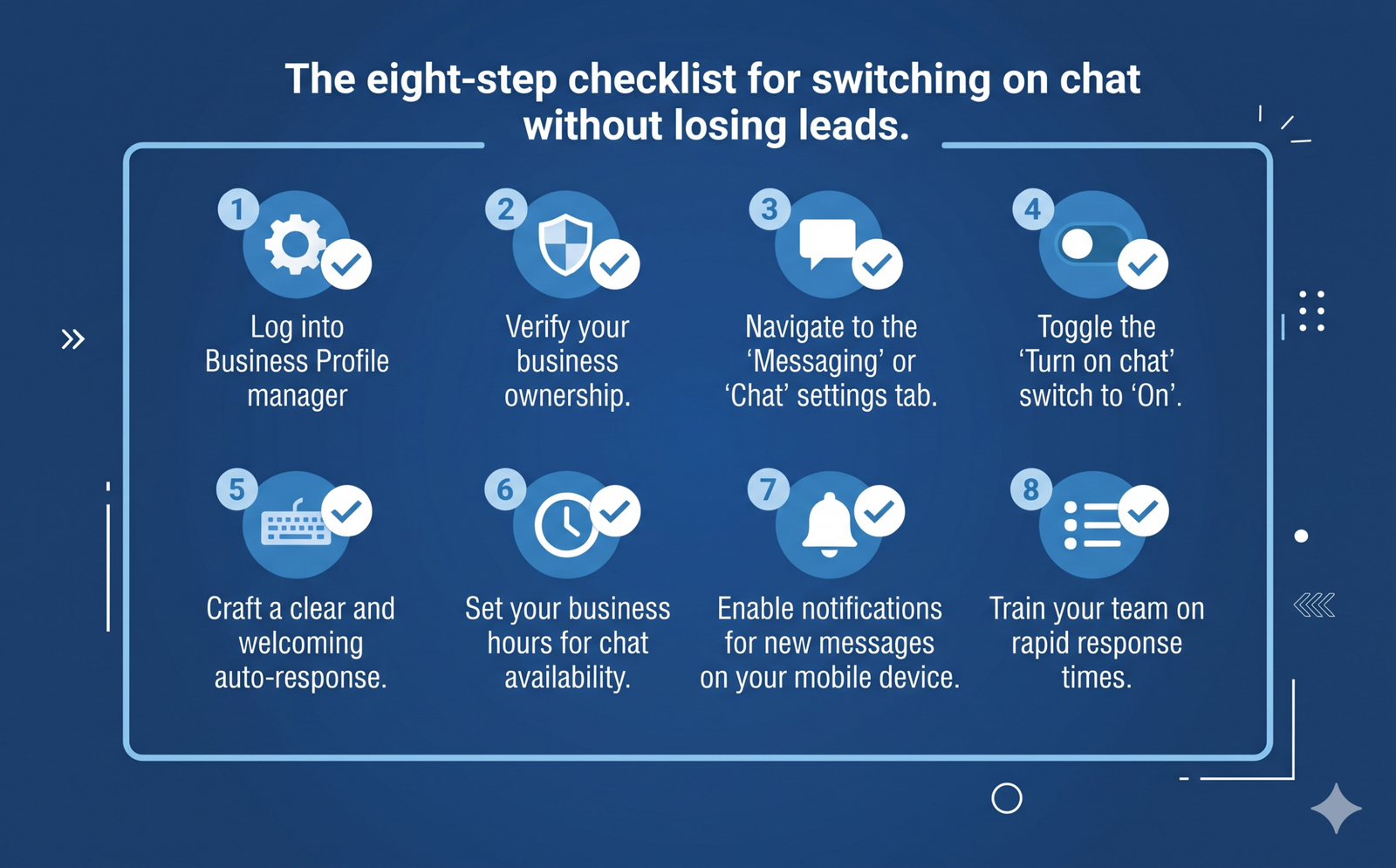
Google’s chat help page says a claimed and verified profile can add a WhatsApp or text option. The path is Edit profile, then Contact, then the Chat row. You choose WhatsApp or Text message, add a click-to-chat URL or a phone number that can receive texts, and save.
The page gives three tips worth knowing:
- Several profiles can share one WhatsApp link, which helps multi-location businesses.
- Chat performance metrics are available, so you can see how much the channel is used.
- Saving both options means customers see only the text option.
One naming note. The bulletin says Message button, while the help page says Chat. The sources I read treat them as the same feature, so this post does too.
What Google has not said yet
Three gaps matter before you plan around this change.
- Regions. Google’s help page limits chat to select regions and warns that some profiles may not get it. It does not name those regions. If you do not see a Chat row, treat the feature as unavailable for now.
- Reply rules. The chat help page I read lists no reply deadline. That may change, so set your own standard instead of waiting for Google to set one.
- Rankings. Nothing I read says the Message button affects rankings. Treat it as a lead path, not a ranking lever.
The same bulletin also covers other Business Profile updates, such as Gemini tools for Workspace accounts. Search Engine Journal covers those, so I will leave them out here.
What the Google Maps Message button means for your type of business
The button creates a new kind of inquiry. It is faster than a form and less formal than a call. Here is how I would think about it by business type.
| Business type | What a tap likely means | Main risk | Safer first setup |
|---|---|---|---|
| Clinics (eye care, skin, dental) | A question about availability, new patients or a first visit | Patients typing health details into an informal channel | A business text line, a first reply that points to online booking, no medical details by text |
| Home services (HVAC, plumbing) | “Can someone come today?” or a quote request | Urgent requests sitting unread after hours | A text line that dispatch watches, with the emergency phone number in the first reply |
| Law firms | A quick question about a personal situation | Confidential facts shared before any conflict check | A short reply that asks for name and contact, then sends people to a protected intake step |
| Consultants and professional firms | “Do you work with companies like mine?” | A slow reply that signals slow service | One named person who answers within the same business day |
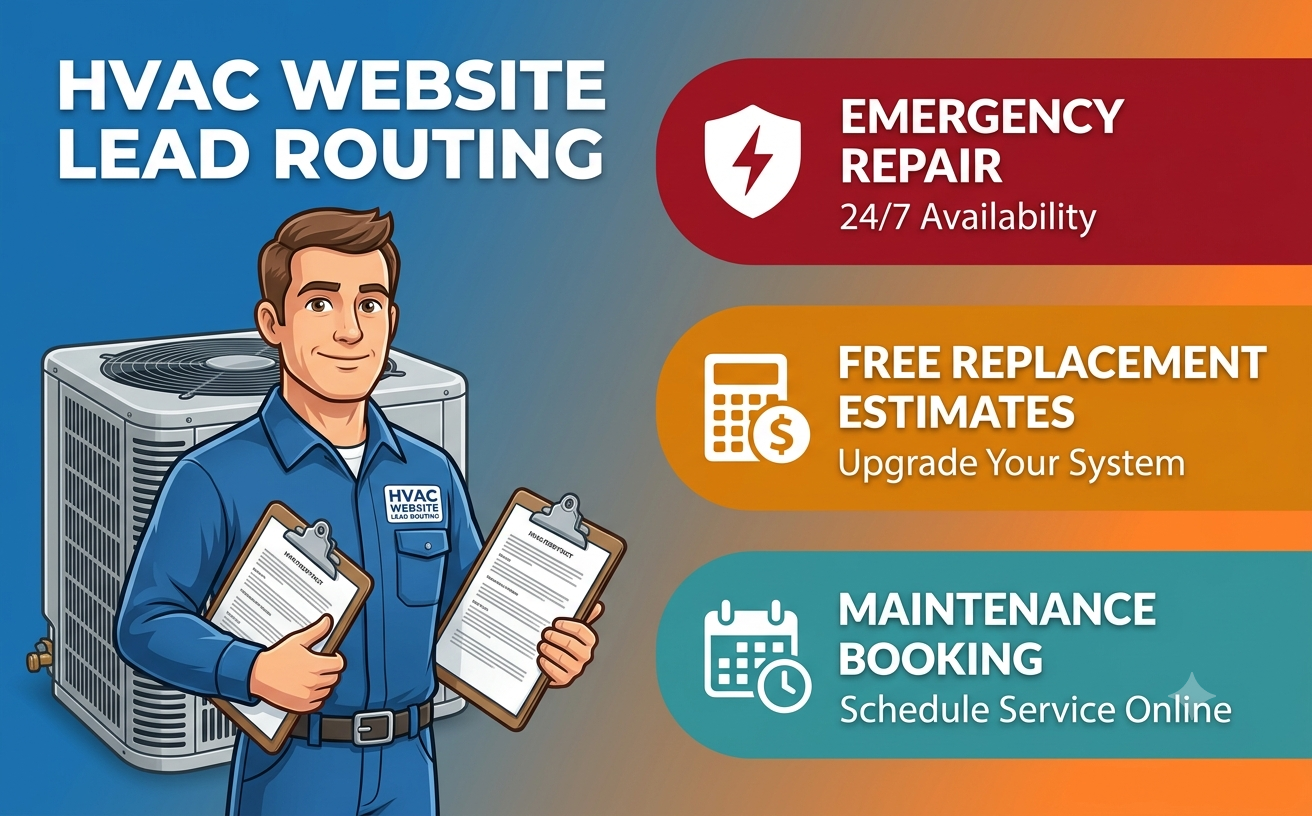
For service businesses, the message usually asks about availability or price. That is a lead-routing problem, and I covered the pattern in my guide to HVAC website lead routing. Urgent repairs, replacement estimates and maintenance questions need different owners.
For clinics, the tap often comes before a booking. If your site already weighs booking against forms, as in online booking versus contact forms for eye clinics, point the first reply to the booking page. A med spa should tie messages to the same CRM and reminders that handle consultations, as in my med spa booking system guide.
For law firms, keep detailed facts off text and WhatsApp. Use the first reply to move the person to a protected step, like the one in my post on law firm website intake.
Your action plan for this week
Work through these in order. Most take ten minutes or less.
- Check whether Chat exists for you. Open your Business Profile, then Edit profile, then Contact. If there is no Chat row, note the date and check again later.
- Pick one channel. Choose text or WhatsApp, not both. Google shows only text when both are saved, so a WhatsApp link would sit unused.
- Name an owner and a backup. One person watches the inbox on weekdays, and a second covers lunch, leave and weekends. Write both names down.
- Set a reply promise you can keep. “Same business day” is a fair start for most offices. Urgent services need something much faster.
- Write three canned replies. Cover availability, pricing or quotes, and “please use our booking page.” Keep each under 40 words and add a real person’s first name.
- Test it from two phones. Open Maps on an Android phone and an iPhone, find your listing and tap Message. Confirm the message arrives, the link opens, and you can answer it.
- Log every message like a lead. Add a “Google Maps Message” source to your lead tracker, next to calls and form fills. Then compare it with the chat metrics in your profile performance reports.
- Match your website. The phone number, booking link and reply promise on your site should say the same thing as your profile. Mixed signals cost trust.
Kanika’s take
Common mistakes
- Switching it on with nobody assigned. A button without an owner turns into a public record of slow replies.
- Saving an old WhatsApp link. Old links break quietly. Search Engine Journal notes that a dead link or an unread inbox can appear in one of the top buttons, so test every profile you manage.
- Assuming both channels show. With both saved, Google shows only text. Choose on purpose.
- Collecting sensitive details in chat. Health, legal and financial facts do not belong in an informal thread. Use the first reply to move people to a protected form or a call. If you handle regulated data, ask your compliance advisor which channels are acceptable.
- Not measuring. If messages are not logged, you cannot tell whether the button earns its place. Count them next to calls and forms.
- Treating it as a ranking tactic. I found no source saying it helps rankings. Use it to answer people faster.
Frequently asked questions
Where does the Google Maps Message button appear?
Google says it appears next to Call on Android and iOS. It shows in the profile view, the expanded header and the bottom action bar. It appears only for profiles that have chat set up.
How do I turn on chat for my Business Profile?
Sign in to your claimed and verified profile, open Edit profile, then Contact, then the Chat row. Choose WhatsApp or Text message, add the URL or phone number, and save. Google’s chat help page lists these steps.
Can I show both WhatsApp and text?
You can save both, but Google’s help page says customers then see only the text option. Pick the channel your team actually watches, and save only that one.
Is the Message button available in my country?
Google’s chat help page limits chat to select regions and warns that some profiles may not get it. It does not name the regions. Check for a Chat row in your profile editor to see whether you have access.
Does the Message button help my local rankings?
None of the sources I read say so. Google’s own framing is about helping customers reach you when you cannot answer a call. Treat it as a lead path and measure it like one.
How fast should I reply to a Maps message?
The chat help page lists no deadline, so you set the standard. Same business day is a reasonable floor for most offices. Urgent services, such as emergency repairs, should aim for minutes, and the first reply should include a phone number.
Conclusion
The Google Maps Message button gives customers a lower-pressure way to reach you, right beside Call. That helps only when the channel is live, tested and owned by a real person. Check your profile for the Chat row, run the two-phone test, and set your reply promise before the holiday rush.
If you want a second pair of eyes on how your profile, website and lead tracking fit together, see my digital marketing services.
Sources and how we checked this
- Google, Chat with customers from your Business Profile, Google Business Profile Help, read November 13, 2026.
- Google, Google Small Business Bulletin: Holiday Checklist & New Features, Business Profile Community, November 5, 2026. The page did not fully load when I checked, so I relied on the quotes in the two reports below.
- Search Engine Roundtable, Google Expands Business Messaging To Google Maps On iOS & Android, November 6, 2026.
- Search Engine Journal, Google Gemini Business Profile Tools Are Coming To Workspace, November 6, 2026.